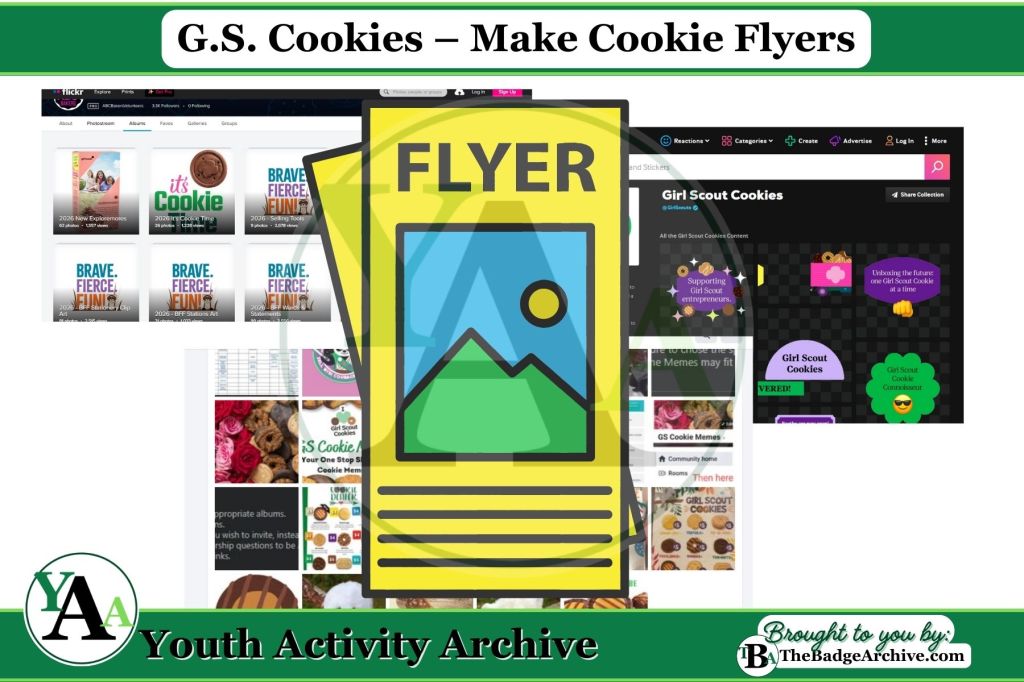
Activity Description: Youth create a digital cookie flyer on a computer that includes their cookie link, QR code, or tiny URL to share with customers.
Items Needed:
- Computer, laptop, or tablet
- Microsoft Word, Canva, or another design program
- Troop information and cookie link
- (Optional) Digital QR code file
- (Optional) Printer
Instructions (Estimated Total Time: 10–25 min):
- Open the design program. (2–3 min)
- Youth open Microsoft Word, Canva, or another program to start a new flyer.
- Choose a simple layout or blank page.
- Add troop information. (4–6 min)
- Youth make sure to include their first name, troop number, and troop goal.
- Keep the text large and easy to read.
- Insert the cookie link. (3–4 min)
- Youth add their tiny URL or insert a digital QR code file (or make a QR in Canva).
- Place the link or QR code in a clear spot on the flyer.
- Add simple decorations. (3–10 min)
- Youth add shapes, borders, or small images to make the flyer eye‑catching. It’s recommended to use the resources from the official bakers. These are copyright protected and can only be used by scouts and troops to use during the cookie sale.
- Remind them not to cover the link or QR code.
- Save and print. (2–3 min)
- Youth save their flyer and print copies if a printer is available.
- Flyers can be handed out at school or to customers with an adult’s help.
Available Cookie Images
- Girl Scout Cookies Giphy channel
- Facebook Group: GS Cookie Memes
- ABC Images
- LBB Clipart
- GSWW LBB 2026 Photos
- GSWW LBB 2026 Illustrations
Canva Tutorials – Canva’s tutorials:
- Register for a free Canva account
- Designing with Canva
- Video: Sharing your designs
- Swapping out photos
- Making QR codes in Canva
–
Click Here -> See what GSUSA Requirements could be met in Customer Category
Leaders – please be aware of double dipping and make your own informed choice.
Info Needed for Customer Sharing: Share the reason for the cookie sale with customers.
- Fulfills Step 3 of GSUSA Daisy Cookie Goal Setter badge requirements.
Info Needed for Pitches: Make a sales pitch and practice, create a video, or write it down and get feedback (Ambassador needs feedback from 3 mentors).
- Fulfills Step 3 of GSUSA Daisy My First Cookie Business badge requirements.
- Fulfills Step 5 of GSUSA Junior My Cookie Team badge requirements.
- Fulfills Step 4 of GSUSA Senior Cookie Boss badge requirements.
- Fulfills Step 4 of GSUSA Ambassador My Cookie Business Resume badge requirements.
- Fulfills Step 2 of GSUSA Ambassador Cookie Influencer badge requirements.
This activity does not meet any Scouting America Requirements
–
For More Fun Ideas and Plans

Join the Girl Scout Daisy, Brownie, and Junior Leader Help Facebook Group
(Not an official GSUSA Group)

Join the Girl Scout Cadette, Senior, and Ambassador Leader Help Facebook Group
(Not an official GSUSA Group)

See other Recommended Facebook Groups for some Scouting Organizations
(No official Groups)
–
Click Here -> To see information References:
Disclaimer: The information published on Youth Activity Archive and The Badge Archive is built from the references listed below. These sources demonstrate that our content is grounded in facts and research, not opinion or speculation. Readers may consult them directly when looking for additional material.
- This article draws solely on the author’s firsthand experience and does not incorporate outside sources.
- Find out how you can support The Badge Archive!
- Return to the Customer Sharing Category
- Return to the Pitches Category
- Return to the G.S. Cookies Category