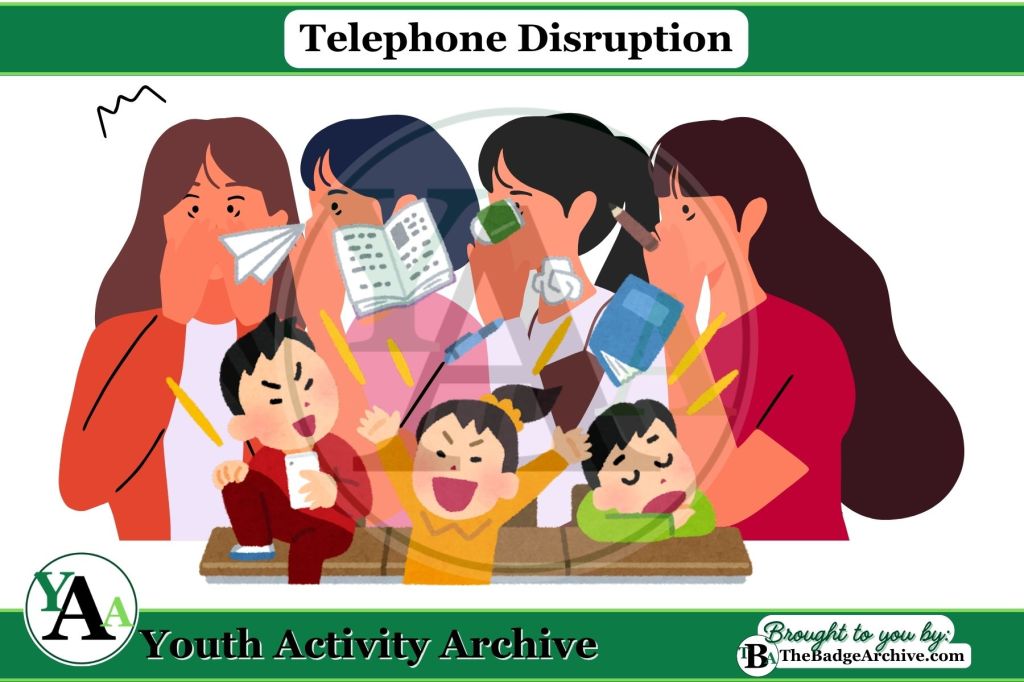
Activity Description: Youths pass a whispered message around the circle while others try to disrupt it.
Items Needed:
- None (just the group and their creativity!)
- (Optional) A list of simple phrases to use.
Instructions (Estimated Total Time: 15–20 min):
- Start the message round (5–7 min)
- Sit in a circle as a group. Make sure everyone can see and hear each other.
- Choose 2–3 youth to act as disrupters.
- One youth thinks of a short message and whispers it once to the next person.
- The message continues around the circle.
- Disrupters walk around the outside making noises or agreed-upon distractions.
- Reveal the message (2–3 min)
- The last youth says out loud what they heard.
- The first youth shares the original message.
- Compare how much the message changed.
- Switch roles and repeat (5–7 min)
- Choose new youth to be the message starter and disrupters.
- Continue until everyone has had a turn or as time allows.
Optional Reflection:
- Reflect as a group (3–5 min)
- Reflect on how distractions (like viruses) can change or damage information.
- Explain the six basic viruses and four basic ways to prevent a Computer Virus.
Variations of Telephone
- Classic Telephone
- Cybersecurity Broken Telephone
- Cybersecurity Telephone Disruption
- Pictionary Telephone
Click Here -> See what GSUSA Requirements are Met
- Fulfills Step 4 and 5 of GSUSA Brownie Cybersecurity Investigator badge requirements.
- Leaders – please be aware of double dipping and make your own informed choice.
Info Needed for badge requirements: Computer Viruses enter your system’s code and take resources in order to replicate, causing performance issues. It can slow a computer down, corrupt or delete files, crash programs and systems, keep your hard drive spinning, glitch apps and programs, create pop-ups and ads, or steal your data.
There are six basic viruses:
- Direct Action – attach to a file and cause chaos then delete themselves.
- Boot Sector – attach to hardware (like USB drives or CDs) and attack the boot sectors (which load your operating system when you turn it on)
- Resident – has multiple entry ways, but always attacks the RAM (your computer memory)
- Multipartite – also has multiple entry ways, and attacks your files AND your boot sector.
- Polymorphic – this one changes shape by replicating slightly different each time.
- Macro – attach word document files and attack when you enable macros when you open the file.
There are four basic ways to prevent a Computer Virus:
- Anti-Virus Software – They can detect threats and catch viruses before they infect your system.
- User Safety – Computer users need to be aware. Do not ignore warning signs online or in emails. Do not use untrusty files, programs, or hardware. Only download apps or software from trusted developers.
- Avoid Ads – Don’t click on ads or pop-ups. Do a separate internet search if you are interested.
- Updates – Keep your operating system, programs, and apps updated.
This activity does not meet any Scouting America Requirements.
–
For More Fun Ideas and Plans

Join the Girl Scout Daisy, Brownie, and Junior Leader Help Facebook Group
(Not an official GSUSA Group)

Join the Girl Scout Cadette, Senior, and Ambassador Leader Help Facebook Group
(Not an official GSUSA Group)

See other Recommended Facebook Groups for some Scouting Organizations
(No official Groups)
–
Click Here -> To see information References:
Disclaimer: The information published on Youth Activity Archive and The Badge Archive is built from the references listed below. These sources demonstrate that our content is grounded in facts and research, not opinion or speculation. Readers may consult them directly when looking for additional material.
- Girl Scouts of the U.S.A. “Volunteer Toolkit Explore.” Girlscouts.org, my.girlscouts.org/content/girlscouts-vtk/en/vtk.explore.html. Accessed 24 Oct. 2025.
- Find out how you can support The Badge Archive!
- Return to the Fun Games Categories.