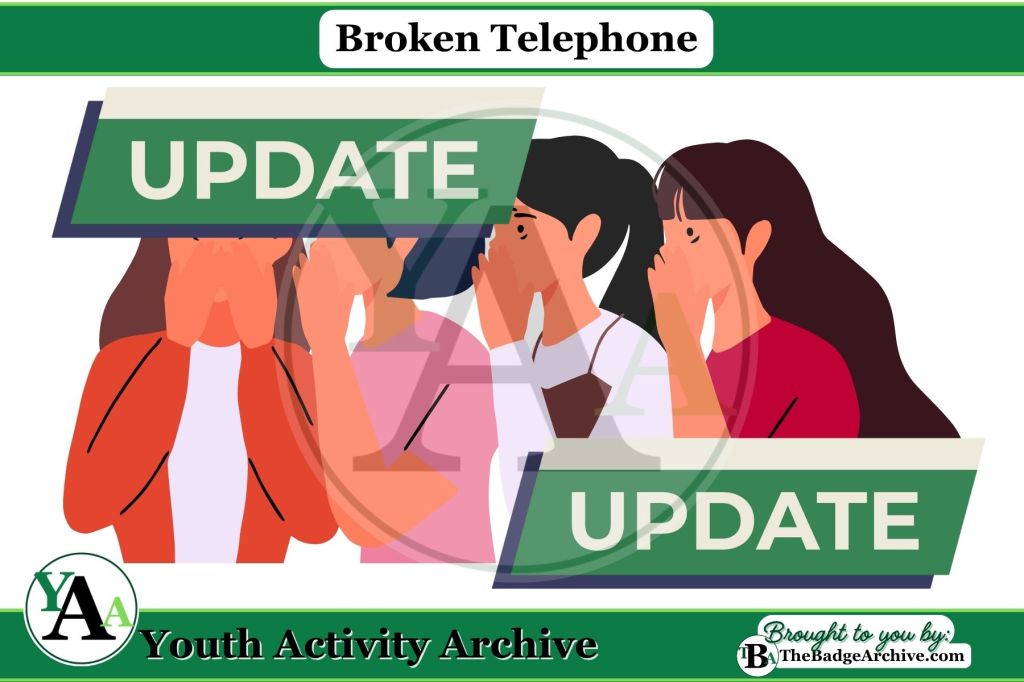
Activity Description: Youths pass a whispered message around the group to see how it changes, then try again with “updates” to keep it accurate.
Items Needed:
- None (just the group and their creativity!)
Instructions (Estimated Total Time: 15–20 min):
- Play the first round without updates (5–7 min)
- Sit in a circle or a line. Make sure each person can easily lean over to the Youth next to them to whisper in their ear.
- Choose one Youth to start the message.
- The first Youth whispers a short message to the next person, only once.
- The message continues around the group.
- The last Youth says the message out loud.
- The first Youth shares the original message.
- Play the second round with “updates” (5–7 min)
- Repeat the game with a new message.
- After every two Youth, the next person checks back with the first Youth to make sure the message is still correct before passing it on.
- Compare how much the message changed with and without updates.
Optional Reflection:
- Reflect as a group (3–5 min)
- Talk about how the “update” helped keep the message accurate.
- Explain how software updates work the same way. They check and fix things to keep computers safe.
Variations of Telephone
- Classic Telephone
- Cybersecurity Broken Telephone
- Cybersecurity Telephone Disruption
- Pictionary Telephone
Click Here -> See what GSUSA Requirements are Met
- Fulfills Step 2 of GSUSA Junior Cybersecurity Investigator badge requirements.
Info Needed for Badge Requirements: Software updates are like giving your computer armor to protect it from bad guys called hackers. These hackers try to sneak into your computer to steal information or cause trouble. Updates fix problems that hackers might use to get inside, and they add new tools to keep your computer strong and safe.
This activity does not meet any Scouting America Requirements.
–
For More Fun Ideas and Plans

Join the Girl Scout Daisy, Brownie, and Junior Leader Help Facebook Group
(Not an official GSUSA Group)

Join the Girl Scout Cadette, Senior, and Ambassador Leader Help Facebook Group
(Not an official GSUSA Group)

See other Recommended Facebook Groups for some Scouting Organizations
(No official Groups)
–
Click Here -> To see information References:
Disclaimer: The information published on Youth Activity Archive and The Badge Archive is built from the references listed below. These sources demonstrate that our content is grounded in facts and research, not opinion or speculation. Readers may consult them directly when looking for additional material.
- Girl Scouts of the U.S.A. “Volunteer Toolkit Explore.” Girlscouts.org, my.girlscouts.org/content/girlscouts-vtk/en/vtk.explore.html. Accessed 24 Oct. 2025.
- Find out how you can support The Badge Archive!
- Return to the Fun Games Categories.